
Why Website Speed Matters for Search Rankings
& How to Improve It
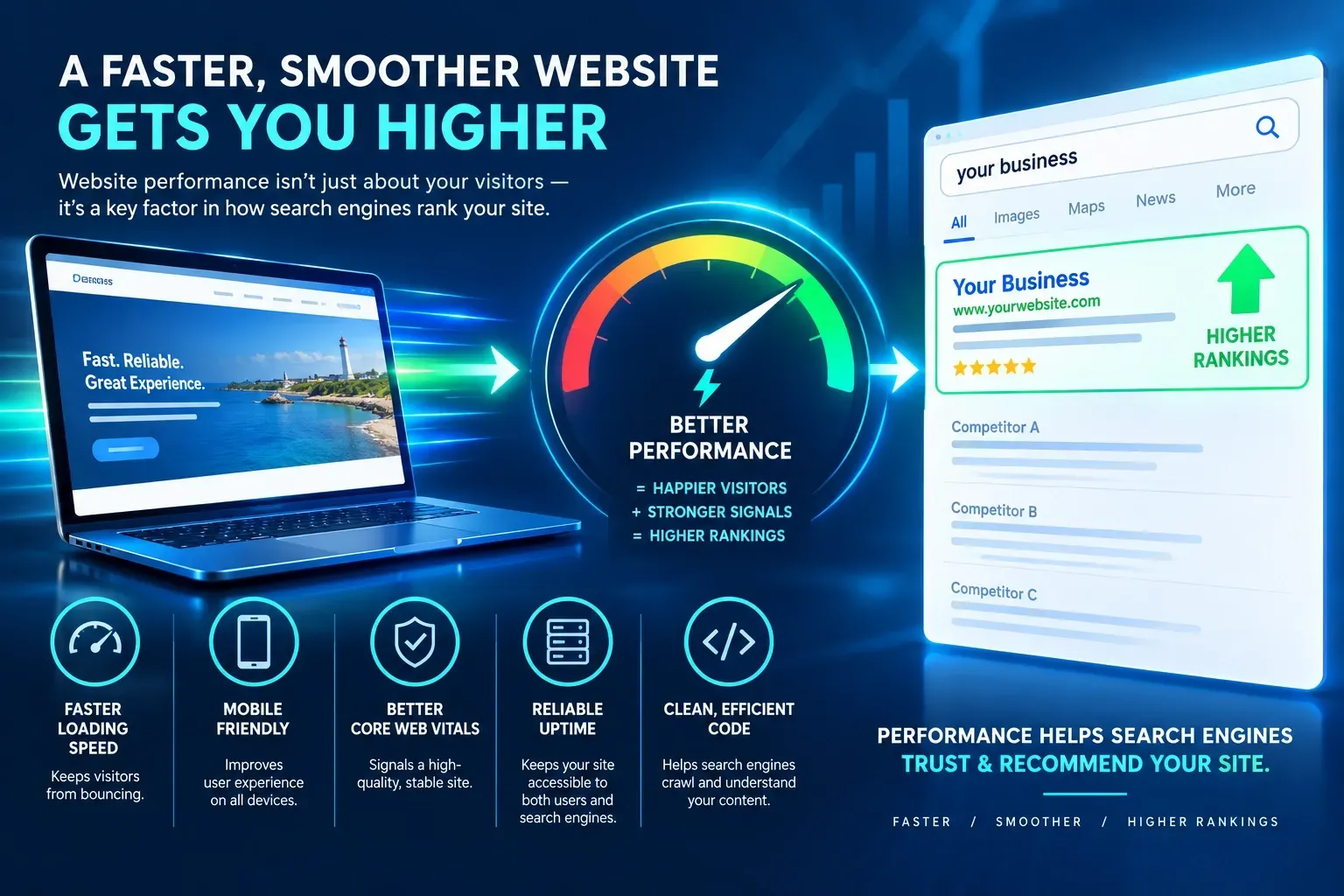
Every second your website takes to load is a second your visitor didn't sign up for. Studies have shown that as page load time goes from one second to five seconds, the probability of a visitor bouncing increases dramatically. Google knows this too, which is exactly why site speed has become one of the more measurable, controllable factors in how your website performs in search.
If you've ever wondered why your competitor with a less polished-looking site outranks yours, performance is one of the first places to look. Here's what actually matters, why Google cares, and what you can realistically do about it.
1. Why Google Cares About Speed at All
Google's stated mission is to organize the world's information and make it useful. A fast, frustrating-free experience is part of "useful." In 2021, Google rolled Core Web Vitals into its ranking systems as part of the Page Experience update, formalizing something it had hinted at for years: sites that load quickly and behave predictably get a measurable advantage over ones that don't, all else being equal.
It's worth being precise here. Speed is not the single biggest ranking factor, and a fast but thin, low-value page won't outrank a slower page with genuinely better content. But when two pages are otherwise comparable in relevance and quality, speed becomes a real tiebreaker, and it also affects the user behavior signals (bounce rate, time on page, conversion rate) that feed back into how Google evaluates your site over time.
2. The Three Metrics That Actually Matter: Core Web Vitals
Google measures site performance using three specific Core Web Vitals, and each one measures a different kind of frustration:
Largest Contentful Paint (LCP) measures how long it takes for the biggest visible element on a page, usually a hero image or headline, to fully render. Google considers 2.5 seconds or faster to be good. This is the metric most closely tied to a visitor's first impression: "did this page actually load, or am I staring at a blank screen?"
Interaction to Next Paint (INP) measures how responsive your page feels when someone actually tries to use it, clicking a button, opening a menu, filling out a form. Google wants this under 200 milliseconds. INP replaced the older First Input Delay metric in 2024 because it captures responsiveness throughout the whole visit, not just the very first click.
Cumulative Layout Shift (CLS) measures visual stability, whether elements jump around as the page loads. You've felt this: you go to tap a button and an image loads above it, shifting everything down, and you end up clicking an ad instead. Google scores anything under 0.1 as good.
3. What Slows Sites Down in the Real World
In practice, the same handful of culprits show up again and again on small business websites. Oversized, unoptimized images are the most common offender by far, a single uncompressed photo can add several seconds to load time on its own. Too many third-party scripts (chat widgets, tracking pixels, embedded videos, review plugins) each add their own request and processing overhead. Server response time matters too: cheap, oversold hosting can quietly undo every other optimization you make. And on page builder platforms, heavy design elements, animations, and unnecessary custom code can bloat a page well beyond what the content actually needs.
Mobile makes all of this worse. A page that feels fine on a desktop with fiber internet can crawl on a mid-range phone over a spotty cellular connection, and Google evaluates your site primarily using its mobile version through mobile-first indexing.
4. What You Can Actually Do About It
You don't need a developer on retainer to make meaningful progress. Start here:
- Compress and properly size images before uploading them, and use modern formats like WebP where your platform supports it.
- Audit your third-party scripts. If you're not actively using a chat widget, tracking pixel, or plugin, remove it. Every embedded tool is a small tax on load time.
- Use a reputable host or platform with strong server response times; this is often outside your direct control but worth confirming.
- Enable caching and a CDN so returning visitors, and visitors farther from your server, get pages faster.
- Reserve space for images and ads in your page layout so content doesn't jump around as it loads, which directly improves CLS.
- Run your pages through PageSpeed Insights or a similar tool regularly , not just once, since new content and plugins can quietly reintroduce problems.
Bringing It Together
Site speed isn't a vanity metric or a developer's pet concern, it's one of the few SEO factors you can directly measure, directly improve, and see the results of almost immediately. A faster site keeps more visitors on the page long enough to actually read your content, fill out your form, or pick up the phone, and it sends Google a clean signal that your site is worth showing to more people.
If you don't know where your site currently stands on load time or Core Web Vitals, that's exactly the kind of thing a website health check is designed to surface.